1m
Follow-along: Your UI in the chat window
Let's test it all!
Stop all running processes so we can start fresh.
In one terminal, start the MCP Server.
./start_mcp.sh
In another terminal, navigate to the dev/flyby directory and run the following command:
npm run dev:mcp
Task!
MCP Jam Inspector should automatically open up in the browser.
Ask questions
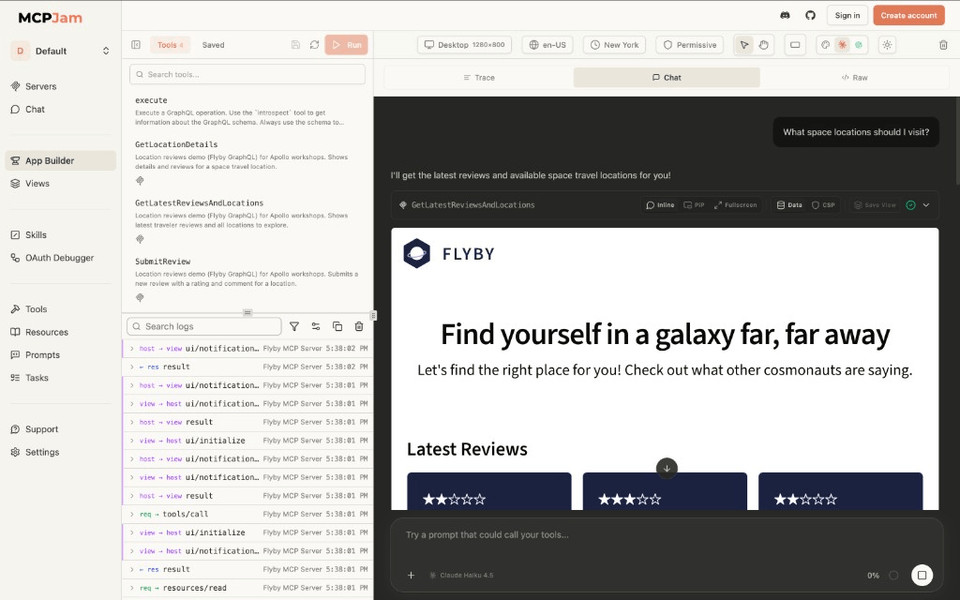
- "What space locations can I visit?"
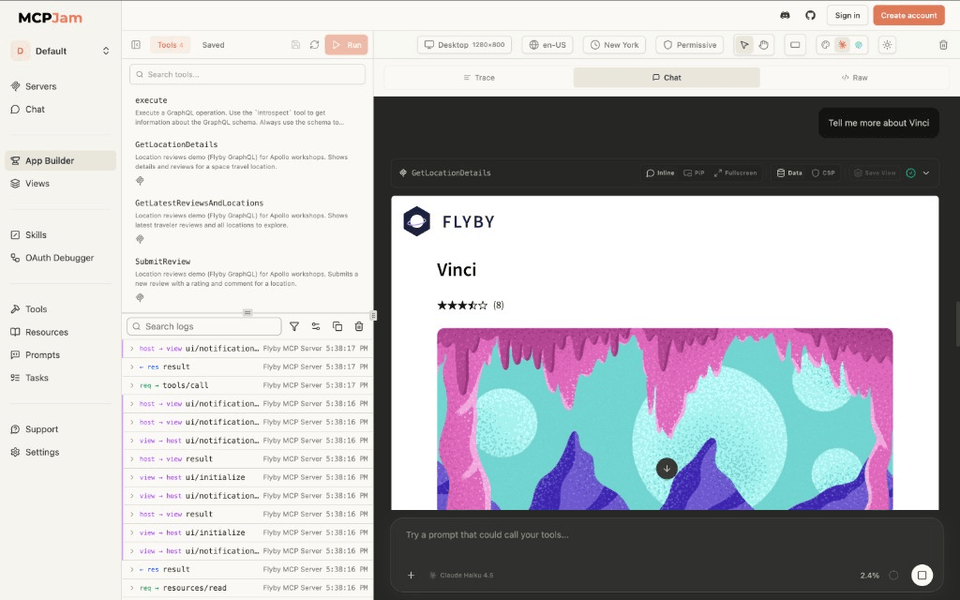
- "Tell me more about the Vinci location."
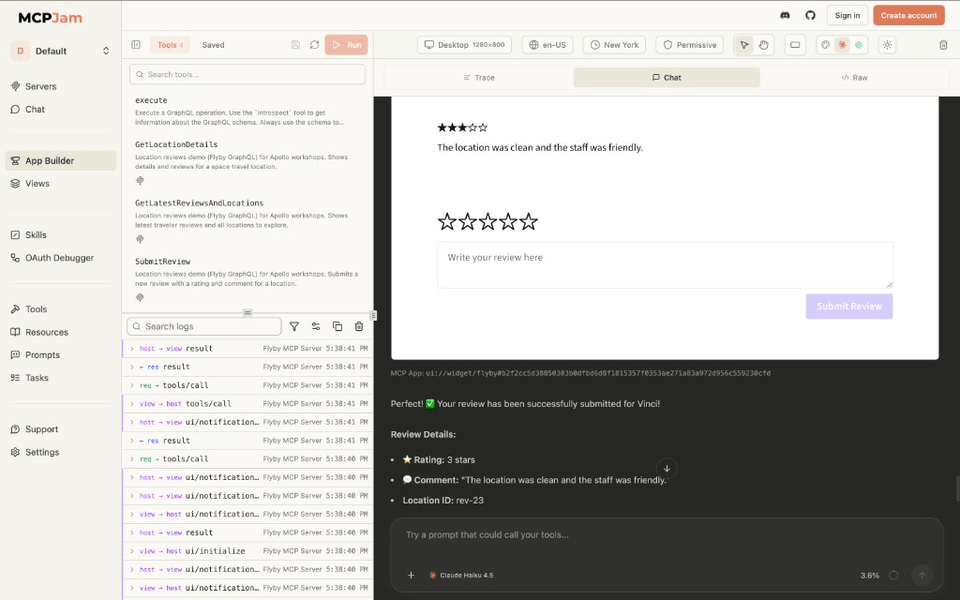
- "I want to leave a 3-star review for the Vinci location. Say that the location was clean and the staff was friendly."
You should see your UI in the chat window!
You can also try running the tools directly from the inspector.
https://mcpjam.com
https://mcpjam.com
https://mcpjam.com
Task!