Overview
With the backend graph up and queryable, we'll shift to the React client that will consume it. In this lesson, we will:
- Explore the client app directory structure
- Identify where pages, containers, and components live
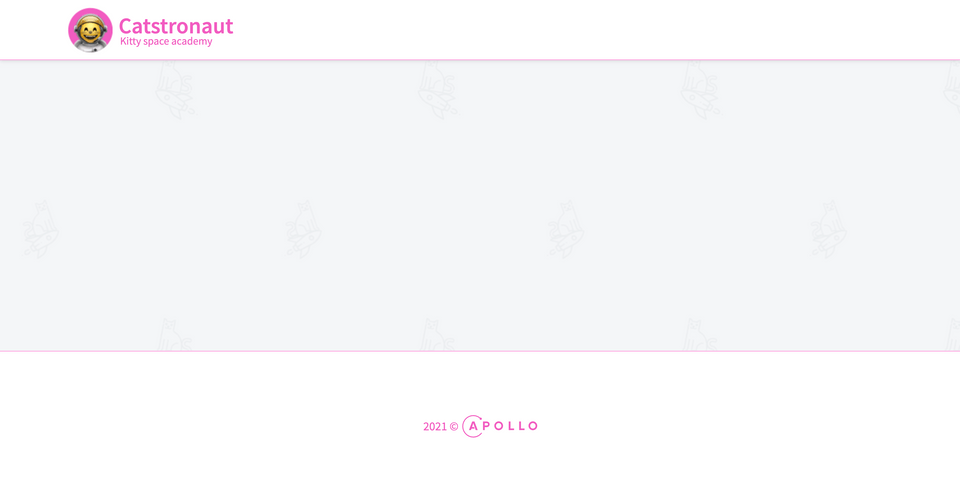
- Start the React app and view the blank homepage
🖼 Frontend first steps
Our frontend client is a React app. It uses React Router for routing and Emotion for styling components.
Let's open the client/ directory in our IDE. Within the src directory we have a few subdirectories: pages, containers, components, and assets:
📂 client┣ 📂 src┃ ┣ 📂 assets┃ ┣ 📂 components┃ ┣ 📂 containers┃ ┣ 📂 pages┃ ┣ ...┣ ...
We'll spend most of our time in the pages/ and containers/ directories, interacting with our GraphQL server via Apollo Client.
The components/ folder holds our UI React components. Those are only responsible for displaying the data they receive via props. Those components are already built, because they aren't the focus of this course.
Let's take the app for a spin and see how it looks right now! From the client/ directory, run:
npm start
The app builds and is then served from port 3000. For now, it's just an empty layout with a navigation bar, a title, a logo, a background, and... that's it.
Up next
Now that we've got a feel for the frontend app, let's set up Apollo Client so our React components can talk to our GraphQL server.
Share your questions and comments about this lesson
Your feedback helps us improve! If you're stuck or confused, let us know and we'll help you out. All comments are public and must follow the Apollo Code of Conduct. Note that comments that have been resolved or addressed may be removed.
You'll need a GitHub account to post below. Don't have one? Post in our Odyssey forum instead.