Overview
Our RESTDataSource is ready, but we still need resolvers to use it. Let's learn what a resolver is and how its function signature works.
In this lesson, we will:
- Create a
resolversmap for our schema fields - Scaffold the
Query.tracksForHomeresolver - Review the four resolver parameters:
parent,args,contextValue, andinfo
A resolver's mission is to populate the data for a field in your schema. Your mission is to implement those resolvers!
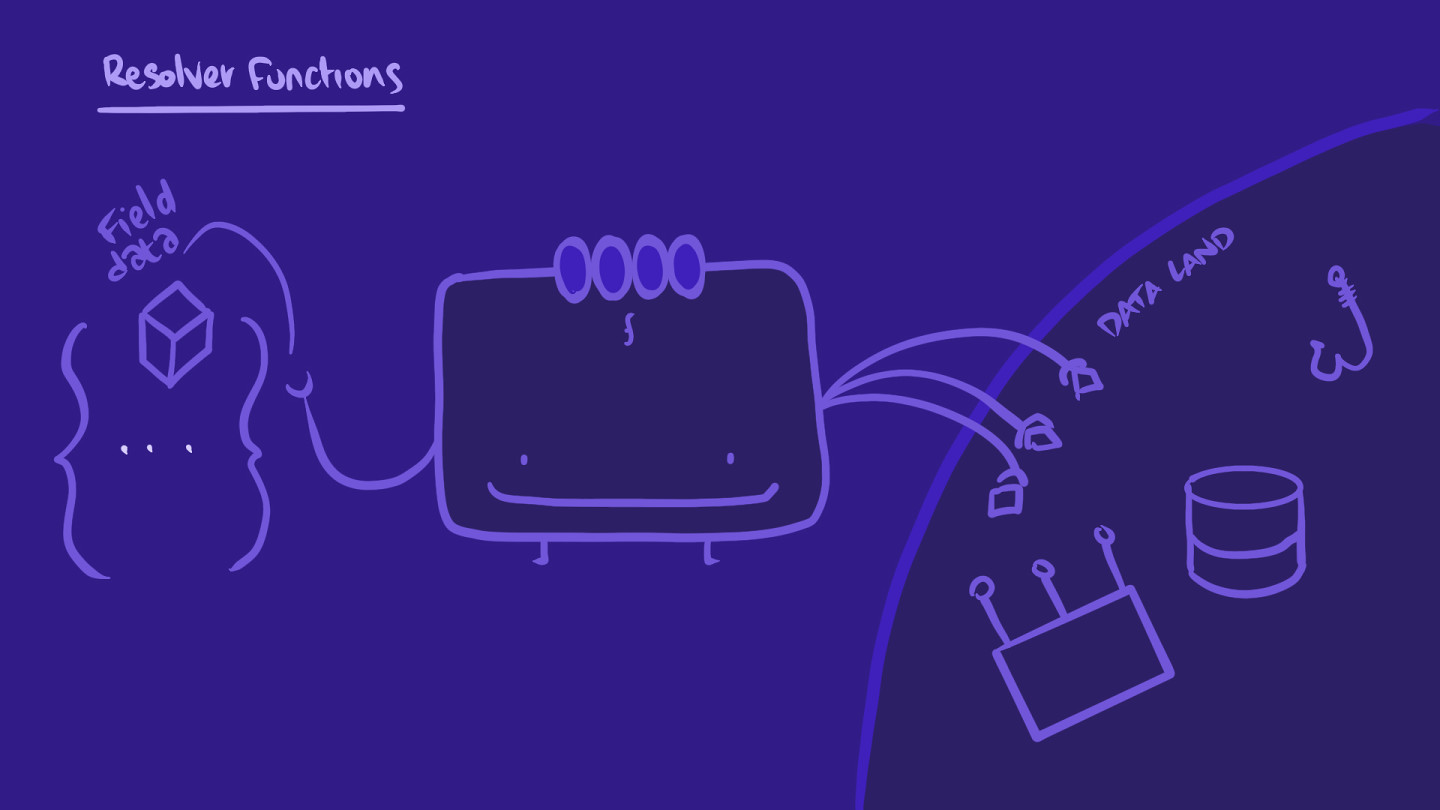
What exactly is a resolver? A resolver is a function. It has the same name as the field that it populates data for. It can fetch data from any data source, then transforms that data into the shape your client requires.
In server/src/ we'll start by creating a resolvers.js file.
In that file, we'll declare a resolvers constant, assigning it an empty object for now. Let's export it, because we'll need it in our server config options.
const resolvers = {};module.exports = resolvers;
export const resolvers = {};
Our resolvers object's keys will correspond to our schema's types and fields.
To create a resolver for the tracksForHome field, we'll first add a Query key to our resolvers object. The value of that key will be another object that contains the tracksForHome key.
This tracksForHome key is where we'll define our resolver function for the corresponding field.
While we're here, let's add a comment above the resolver to clarify what it does.
Inside the resolvers object:
Query: {// returns an array of Tracks that will be used to populate// the homepage grid of our web clienttracksForHome: () => {},}
Here's the complete resolvers.js file so far:
How will our resolvers interact with our data source? This is where contextValue comes in. Resolver functions have a specific signature with four optional parameters: parent, args, contextValue, and info.
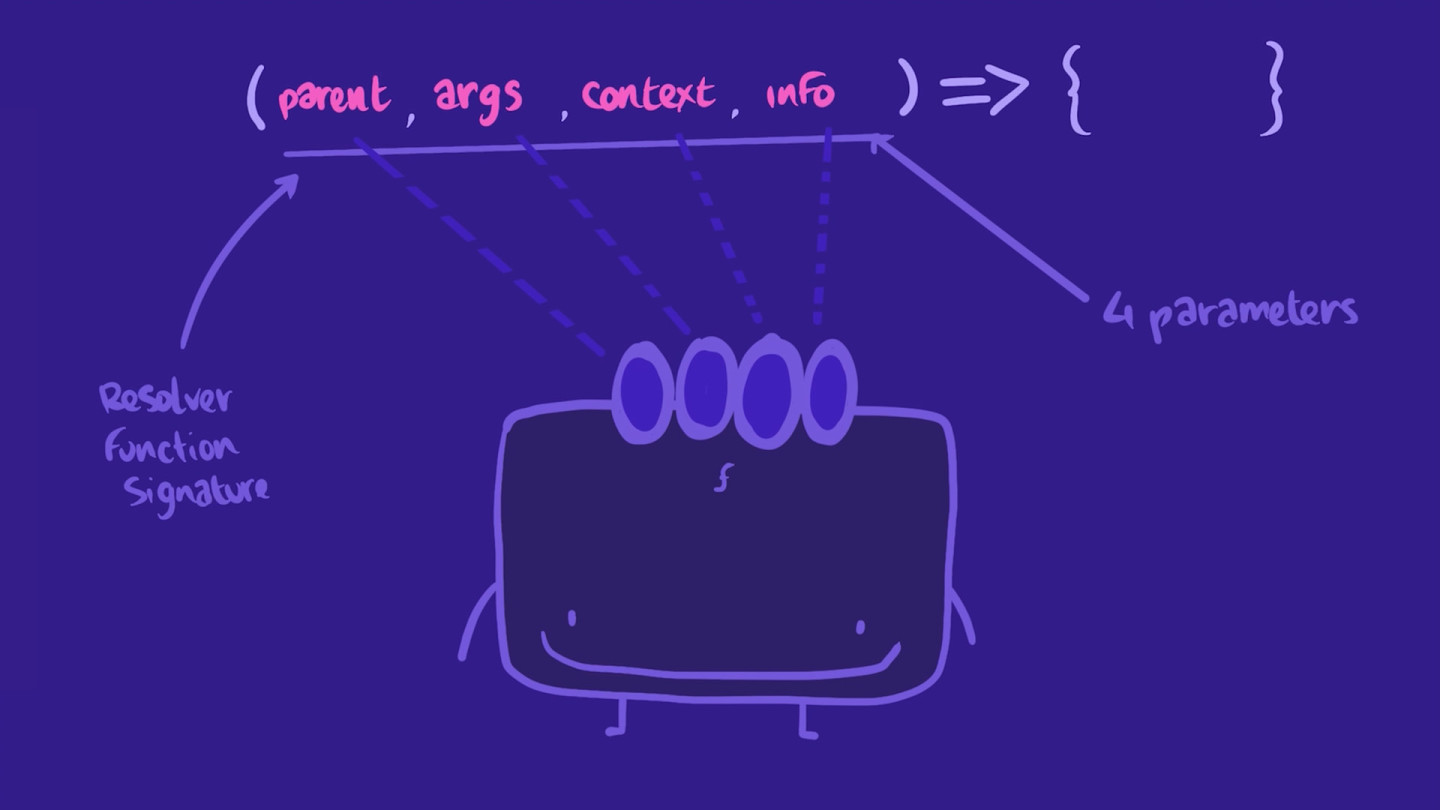
tracksForHome: (parent, args, contextValue, info) => {},
Let's go over each parameter briefly to understand what they're responsible for:
- parent:
parentis the returned value of the resolver for this field's parent. This will be useful when dealing with resolver chains. - args:
argsis an object that contains all GraphQL arguments that were provided for the field by the GraphQL operation. When querying for a specific item (such as a specific track instead of all tracks), in client-land we'll make a query with anidargument that will be accessible via thisargsparameter in server-land. We'll cover this further in Lift-off III. - contextValue:
contextValueis an object shared across all resolvers that are executing for a particular operation. The resolver needs this argument to share state, like authentication information, a database connection, or in our case theRESTDataSource. - info:
infocontains information about the operation's execution state, including the field name, the path to the field from the root, and more. It's not used as frequently as the others, but it can be useful for more advanced actions like setting cache policies at the resolver level.
Practice
contextValue parameter useful for?Write an empty resolver function for the field spaceCats with all four parameters as described above. The function should not return anything. Use arrow function syntax.
Up next
In this course, we'll be focusing on contextValue, the third positional argument that's passed to every resolver function. Let's dig into it.
Share your questions and comments about this lesson
Your feedback helps us improve! If you're stuck or confused, let us know and we'll help you out. All comments are public and must follow the Apollo Code of Conduct. Note that comments that have been resolved or addressed may be removed.
You'll need a GitHub account to post below. Don't have one? Post in our Odyssey forum instead.